
Creating a Workflow for Microsoft VibeVoice with ASR and TTS
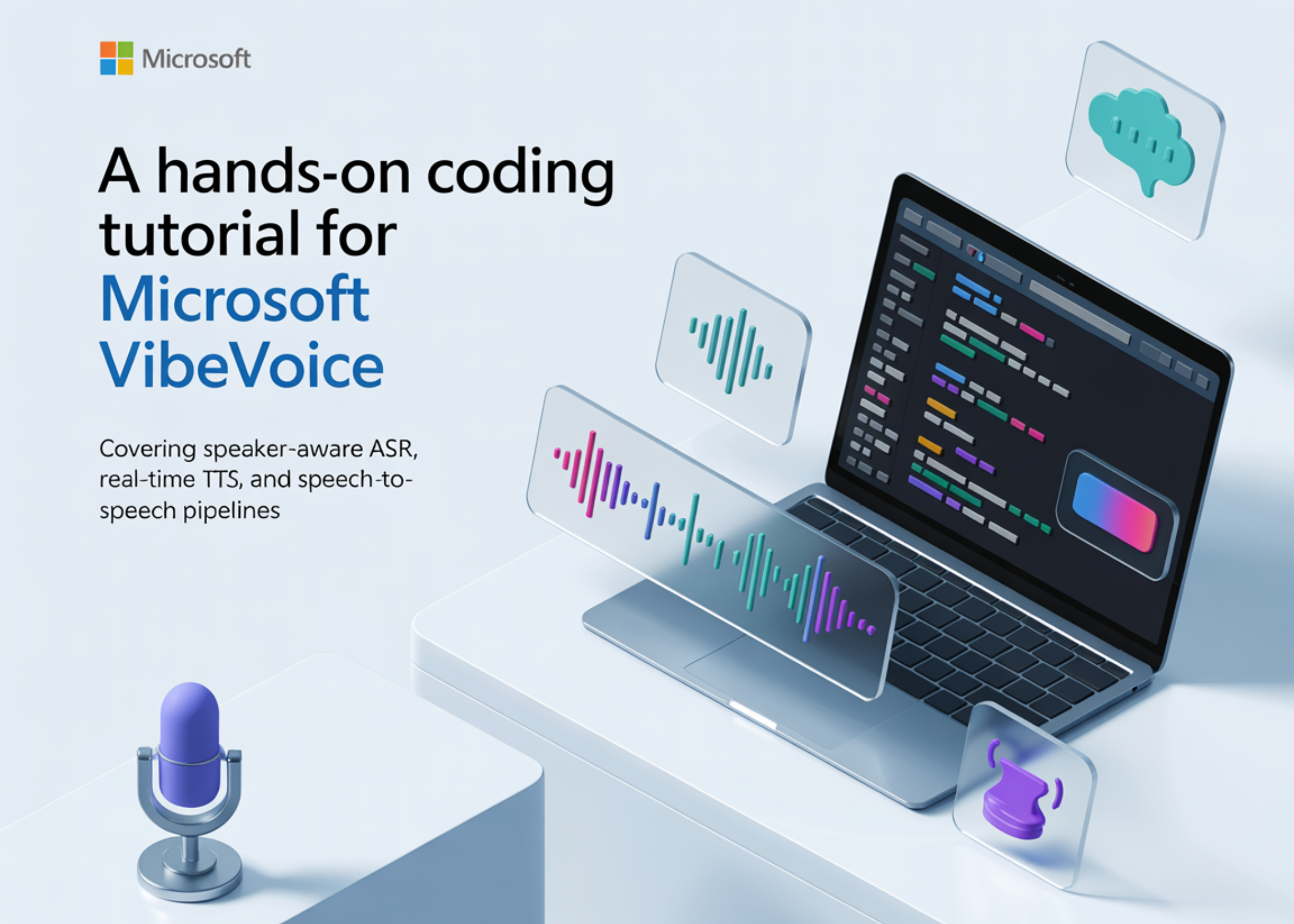
In this tutorial, we explore Microsoft VibeVoice in Google Colab and build a complete hands-on workflow for both speech recognition and real-time speech synthesis. We set up the environment from scratch, install the required dependencies, and verify support for the latest VibeVoice models. We then walk through advanced capabilities such as speaker-aware transcription, context-guided ASR, batch audio processing, and expressive text-to-speech generation.
As we work through the tutorial, we interact with practical examples, test different voice presets, generate long-form audio, launch a Gradio interface, and understand how to adapt the system for our own files and experiments. We prepare the complete Google Colab environment for VibeVoice by installing and updating all the required packages, cloning the official VibeVoice repository, and configuring the runtime to ensure ASR support is available.
After loading the VibeVoice ASR model, we define a transcription function that enables inference with optional context and multiple output formats. We then test the model on sample audio to observe speaker diarization and compare improvements in recognition quality from context-aware transcription.
We also conduct batch audio processing, allowing us to transcribe multiple files simultaneously using various prompts. This demonstrates the efficiency of VibeVoice in real-time scenarios and its ability to adapt to different use cases.
Finally, we load the VibeVoice real-time TTS model and explore how to utilize the system for generating high-quality audio from text data. This opens new horizons for applying speech recognition and synthesis technologies across various fields.
Meta AI and KAUST Researchers Propose Neural Computers
MiniMax Launches MMX-CLI: A Command-Line Interface for AI Agents
Related articles
Google launches native Gemini app for Mac
Google launches a native Gemini app for Mac, enabling users to get instant help.

Anthropic's redesigned Claude Code app and new business features
Anthropic has launched a redesigned Claude Code app and Routines feature, transforming the development approach.
Google Introduces Gemini 3.1 Flash TTS with Enhanced Speech and Control
Google announced Gemini 3.1 Flash TTS with enhanced speech and control.