
Create New Worlds in Project Genie with These 4 Tips
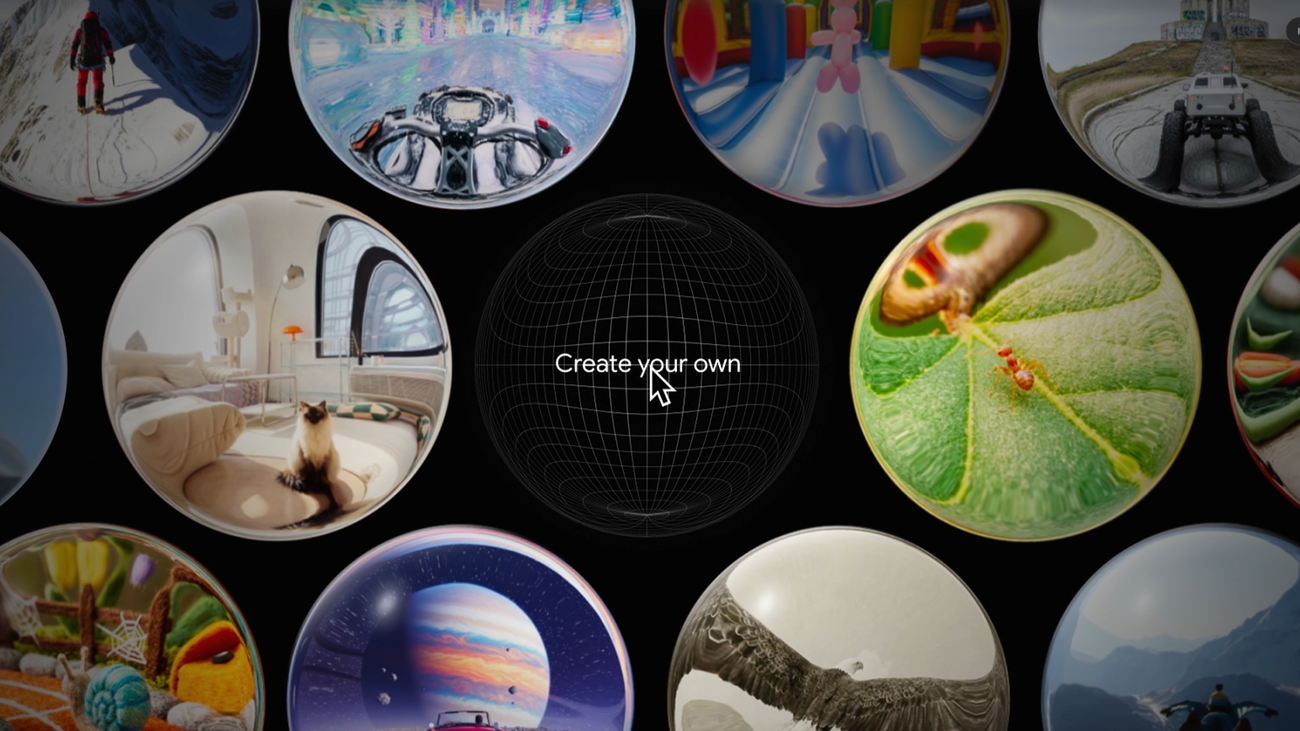
Project Genie allows users to create interactive worlds using text and images. If you are a Google AI Ultra subscriber in the U.S. and over 18, you can take advantage of this feature. Start building your worlds by detailing the environment, unique characters, and the actions they can perform. It's important to describe the surroundings in detail: for instance, you can choose a forest or a lunar landscape and add elements like weather and objects to create the desired atmosphere.
The choice of character also plays a crucial role in navigating your world. It can be anything from a tiny blue giraffe to a giant pixelated doll. Describe how your character will move and add details that make it unique. For example, if it jumps, a puff of smoke could follow behind.
You can also use your own images to create the world. Upload your image and add environment-defining details like mood or atmospheric conditions. Ensure that your character is centered in the image to provide the right context.
When writing prompts for Project Genie, use short, clear instructions. For example, you might write: “an underwater scene with lots of coral,” and your character could be a goldfish. If you need help crafting prompts, you can use the Gemini app for rewriting or adjusting the text.
Once you've created your world and character, you can choose how you want to explore the space. You can opt for a first-person view to see the world through your character's eyes or a third-person perspective to observe from the outside. Just select the desired mode and embark on a journey through your new world.
Accelerate AI Factories for Enhanced Grid Reliability
Google Launches Free AI Training for Massachusetts Residents
Похожие статьи
Create pixel art with Retro Diffusion models on Replicate
Retro Diffusion has released models for creating retro graphics on Replicate.
Compare Image Editing Models for Optimal Choice
Compare various image editing models and choose the best one for your needs.
Create Music with Lyria 3, Our Newest Generation Model
Discover the new music generation model Lyria 3 from Google, available for developers.