
Building a Multi-Agent Data Analysis System with Google ADK
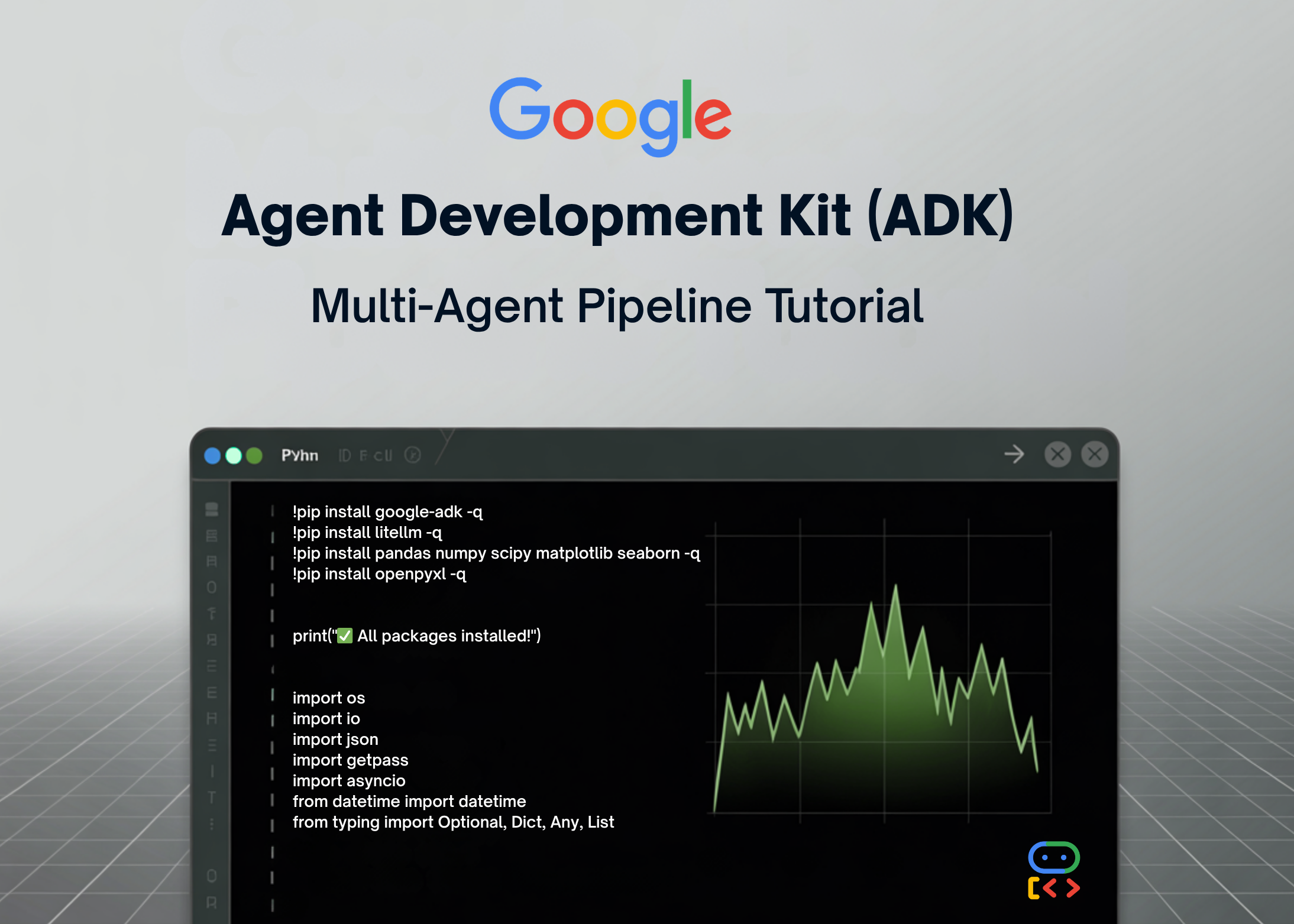
In this tutorial, we build an advanced data analysis pipeline using Google ADK and organize it as a practical multi-agent system for real analytical work. We set up the environment, configure secure API access, create a centralized data store, and define specialized tools for loading data, exploring datasets, running statistical tests, transforming tables, generating visualizations, and producing reports.
As we move through the workflow, we connect these capabilities through a master analyst agent that coordinates specialists, allowing us to see how a production-style analysis system can handle end-to-end tasks in a structured, scalable way.
We install the required libraries and import all the modules needed to build the pipeline. We set up the visualization style, securely configure the API key, and define the model that powers the agents. We also create the shared DataStore and the serialization helper so we can manage datasets and return clean JSON-safe outputs throughout the workflow.
To load data, we use a function that reads CSV files and adds them to the data store. This function also creates a preview of the loaded dataset, including information about columns and their types. If the data loading is successful, we update the tool context state to reflect the loaded datasets.
Additionally, we can create sample datasets, such as sales or customers, using random data. This allows us to test the functionality of our data analysis pipeline before applying it to real datasets.
OpenAI Acquires Financial Startup Hiro Finance
NVIDIA and University of Maryland Unveil Audio Flamingo Next
Related articles

Meta Researchers Introduce Hyperagents for Self-Improving AI
Meta researchers have introduced hyperagents that enhance AI for non-coding tasks.
OpenAI updates its Agents SDK to help enterprises build safer solutions
OpenAI has updated its Agents SDK, adding new features for businesses.
Optimizing GPU Usage for Language Models and Reducing Costs
Optimizing GPU usage for language models reduces costs and increases efficiency.