
Creating a Pose2Sim Pipeline for Markerless 3D Kinematics
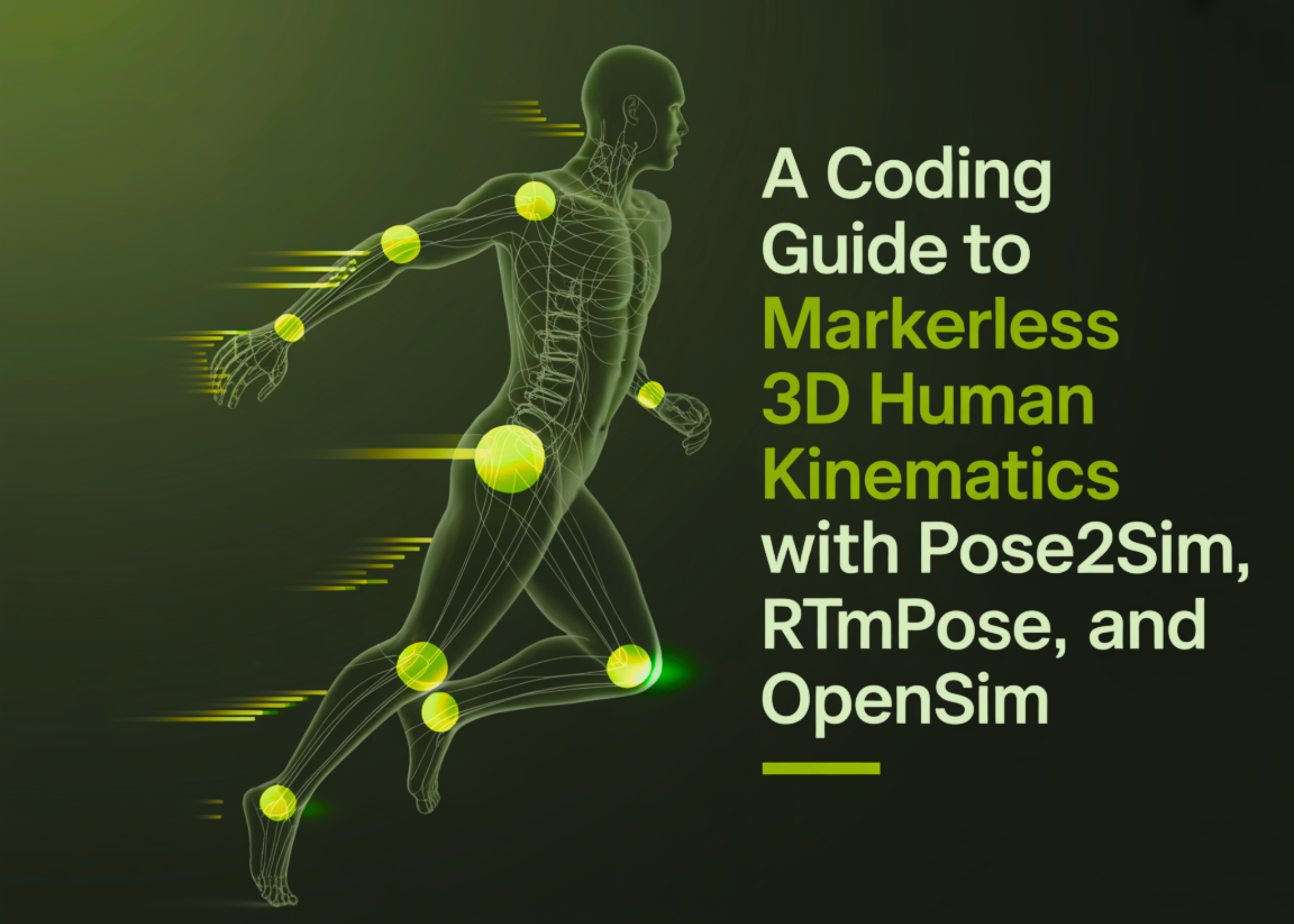
In this tutorial, we build and run a complete Pose2Sim pipeline on Colab to understand how markerless 3D kinematics works in practice. We start with environment setup, configuring the project for Colab's headless runtime, and then walk through calibration, 2D pose estimation, synchronization, person association, triangulation, filtering, marker augmentation, and OpenSim-based kinematics.
As we progress, we not only execute each stage of the workflow but also inspect the generated outputs, visualize trajectories and joint angles, and learn how each component contributes to converting raw multi-camera videos into meaningful biomechanical motion data.
We install Pose2Sim, optionally test OpenSim support, check GPU availability, and then copy the demo project into a working directory to operate on a clean example dataset. We also inspect and modify the configuration file to ensure the workflow runs smoothly in Colab's headless environment, balancing speed, stability, and usability.
The complete setup of the Pose2Sim environment in Google Colab ensures that all required dependencies are available for the pipeline. We update the Config.toml file for Colab execution to ensure that the workflow operates seamlessly.
This process includes camera calibration, which converts camera parameters (intrinsics + extrinsics) into a format suitable for further processing. Each stage of the pipeline has its unique features, which we explore in detail to ensure the successful execution of all operations.
NVIDIA introduces AITune: a toolkit for optimizing PyTorch model inference
Alibaba Introduces VimRAG: a New Framework for Multimodal RAG
Related articles

Google AI Research proposes Vantage for assessing collaboration and creativity skills
Google AI Research proposes Vantage — a system for assessing durable skills.
Meta AI and KAUST Researchers Propose Neural Computers
Meta AI and KAUST researchers introduced Neural Computers, integrating computation, memory, and I/O.
Accelerating Protein Structure Prediction at Proteome-Scale
Exploring methods to accelerate protein structure prediction at proteome scale using AlphaFold and NVIDIA.